




Save 15%
Free Shipping
No commitment - Cancel anytime
HOW IT WORKS
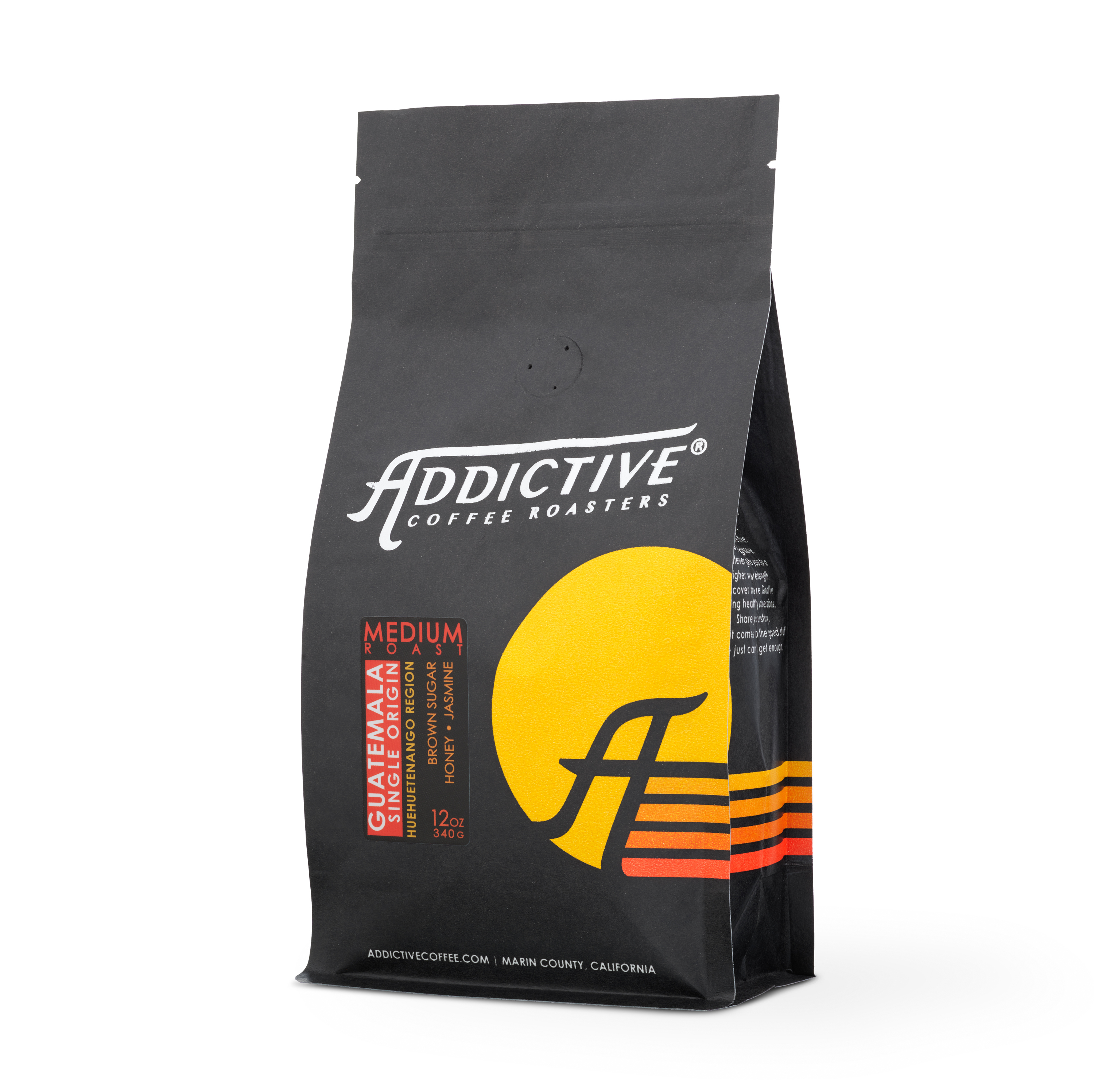
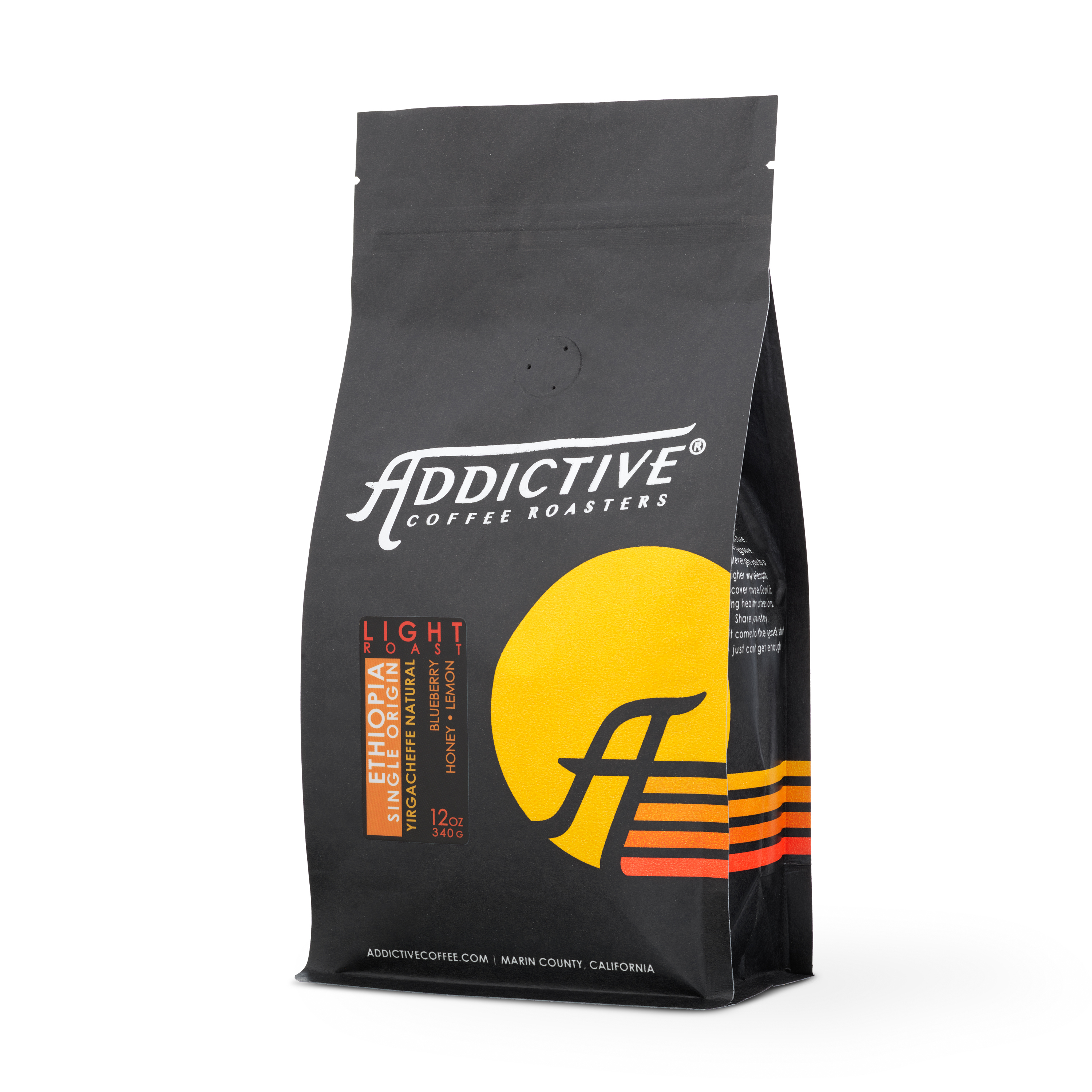
Subscriptions - Choose your favorite







COFFEE SUBSCRIPTION FAQS
1. Log into your customer portal. Link Here
2. Select Manage Subscription on the right-hand side under Account Details.
3. Click on Delivery Schedule.
4. Modify your frequency.
5. Select Update to save your change.
1. Log into your customer portal. Link Here
2. Select Manage Subscription on the right-hand side under Account Details.
3. Click on the Skip Shipment button.
4. Click on the Skip button to make the change.
1. Log into your customer portal. Link Here
2. Select Manage Subscription on the right-hand side under Account Details.
3. Click on Payment Methods in the far right portion of the green
navigation.
4. Edit your Payment Method and/or Billing Address.
1. Log into your customer portal. Link Here
2. Select Manage Subscription on the right-hand side under Account Details.
3. Click on Cancel Subscription under your email address.
4. Select a reason for cancelling.
5. Select Proceed to cancel your subscription.